Contact
  • Home
  • Products
    • xCams
    • xFans
    • xStreamer
    • xMarketplace
    • xMember
    • xModel
    • xShows
    • xChat
    • xTalk
    • xAggregate
    • xScorts
  • FAQ
  • Live Demo
  • Home
  • Products
    • xCams
    • xFans
    • xStreamer
    • xMarketplace
    • xMember
    • xModel
    • xShows
    • xChat
    • xTalk
    • xAggregate
    • xScorts
  • FAQ
  • Live Demo

xFans

Home/Knowledge Base/xFans/AI and chat Automation/AI and Automation

AI and Automation

55 views 0

AI chat response to the users

xFans system facilitates the option to integrate the 3rd party AI provider .

The site owner can enable /disable the auto chat and also configure the settings for ,

1.Maximum number of auto-response messages allowed per creator per day

2.Number of previous messages to include as context when generating response

3.Maximum time in seconds to wait for AI response before skipping
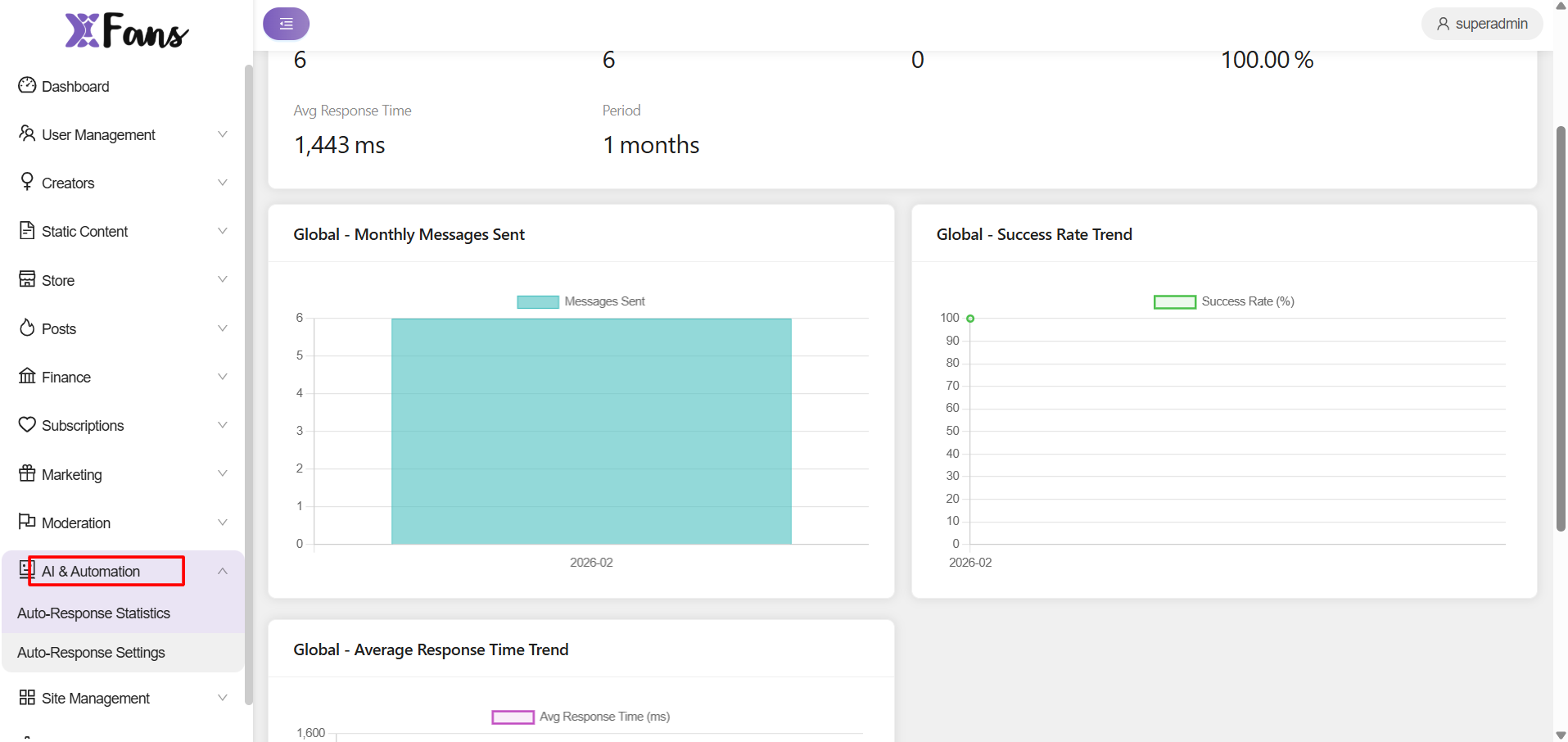
  

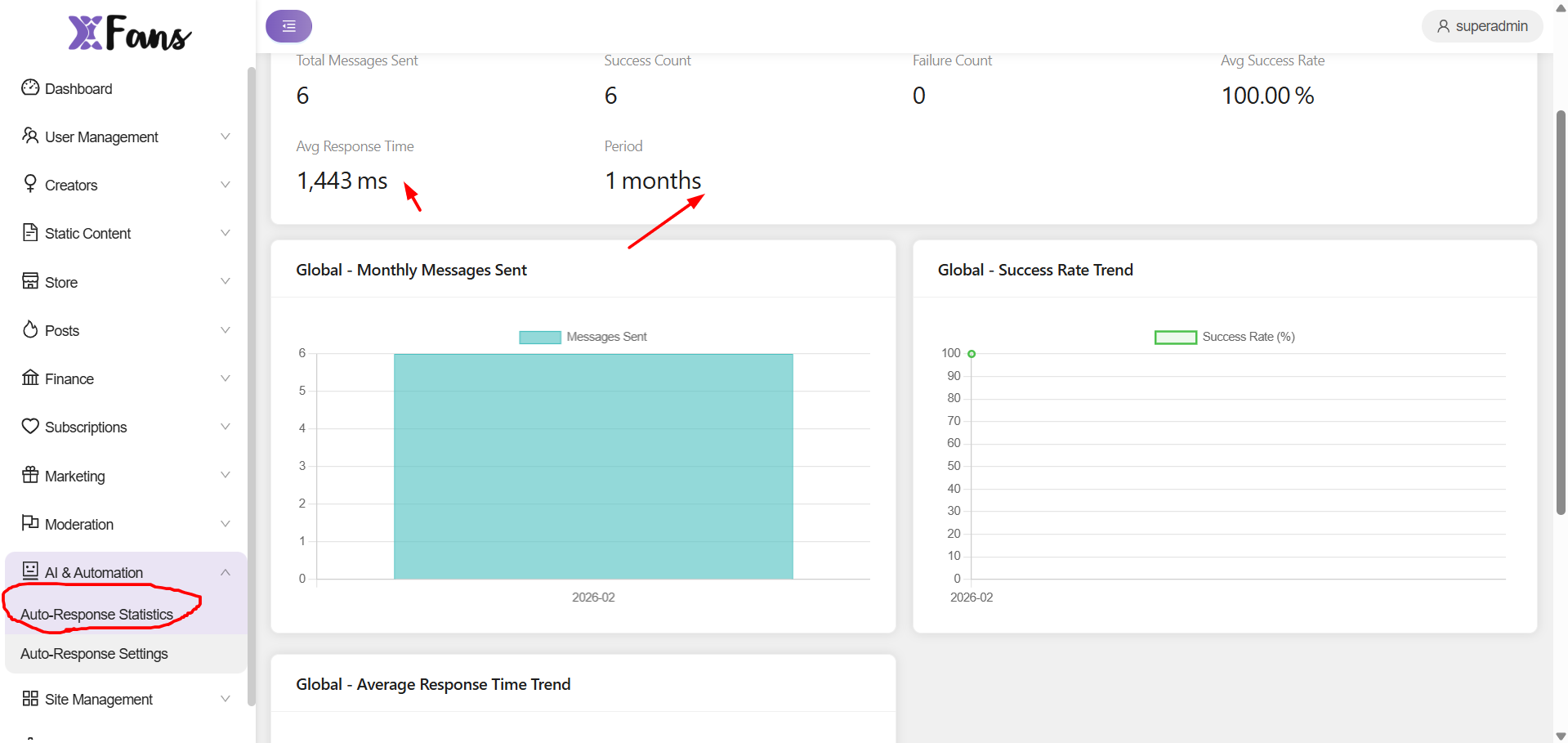
Autoresponse can be tracked
 

Was this helpful?

Yes  No
Related Articles
  • General Site Settings
  • Frequently Asked
  • Where can the site admin set his commission on the feed?
  • How does the default thumbnail look?
  • Where can users view their spending on the feeds?
  • How can users report a feed post?
Leave A Comment Cancel reply

AI and chat Automation
  • AI and Automation
Jump into the profitable world of Adult Entertainment Business. Start your website today.
Company
  • About Us
  • Product Comparison
  • Documentation
Navigate
  • Products
  • Services
  • Blog
Need Support?
If you need further help, don't hesitate to send a request to our support team.
Contact Us
  • Terms of Services
  • Privacy Policy
  • Refund Policy
  • Copyright © Adent.io. All Rights Reserved