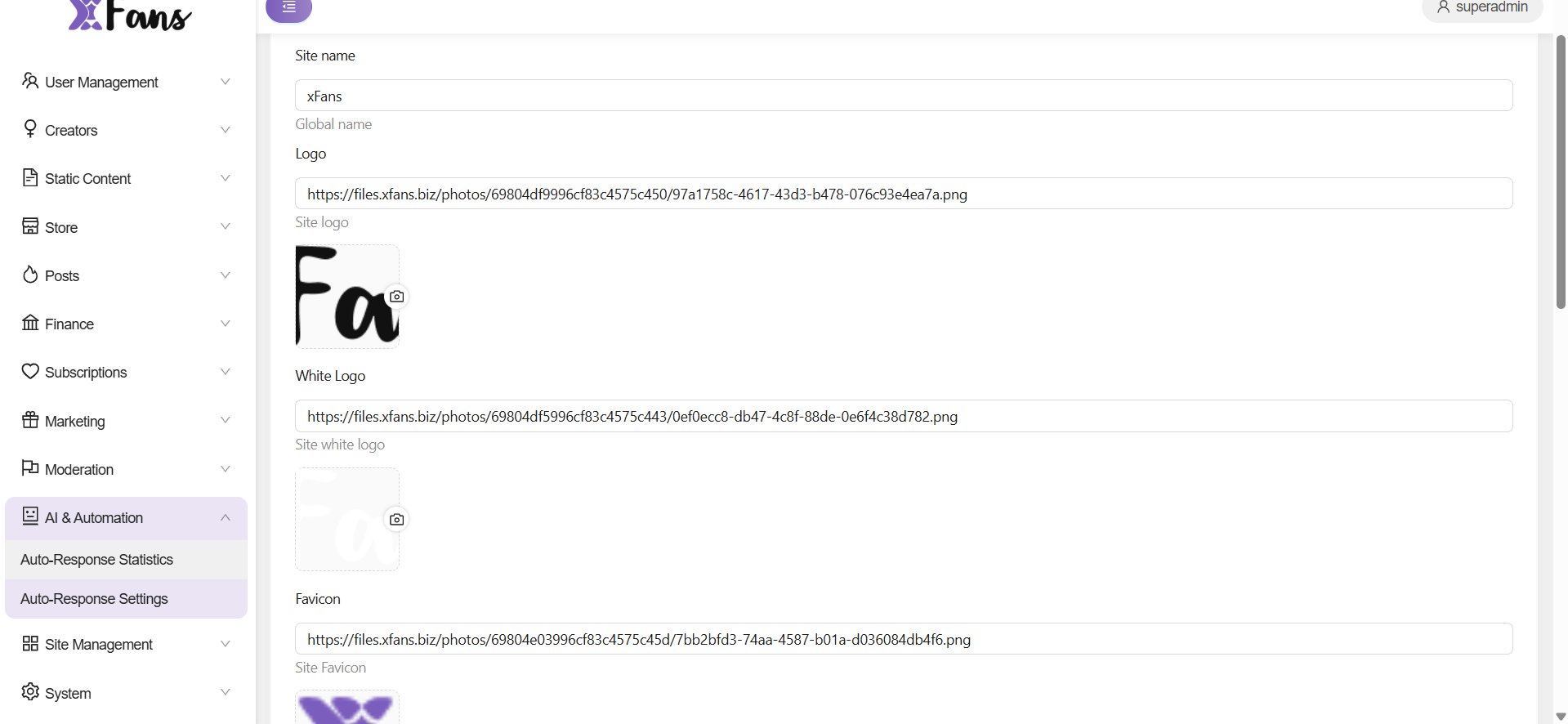
How do I set the site branding elements?
You can set site name, logo and favicon anytime from the admin panel. Go to Settings > Site settings to find them under the General tab.
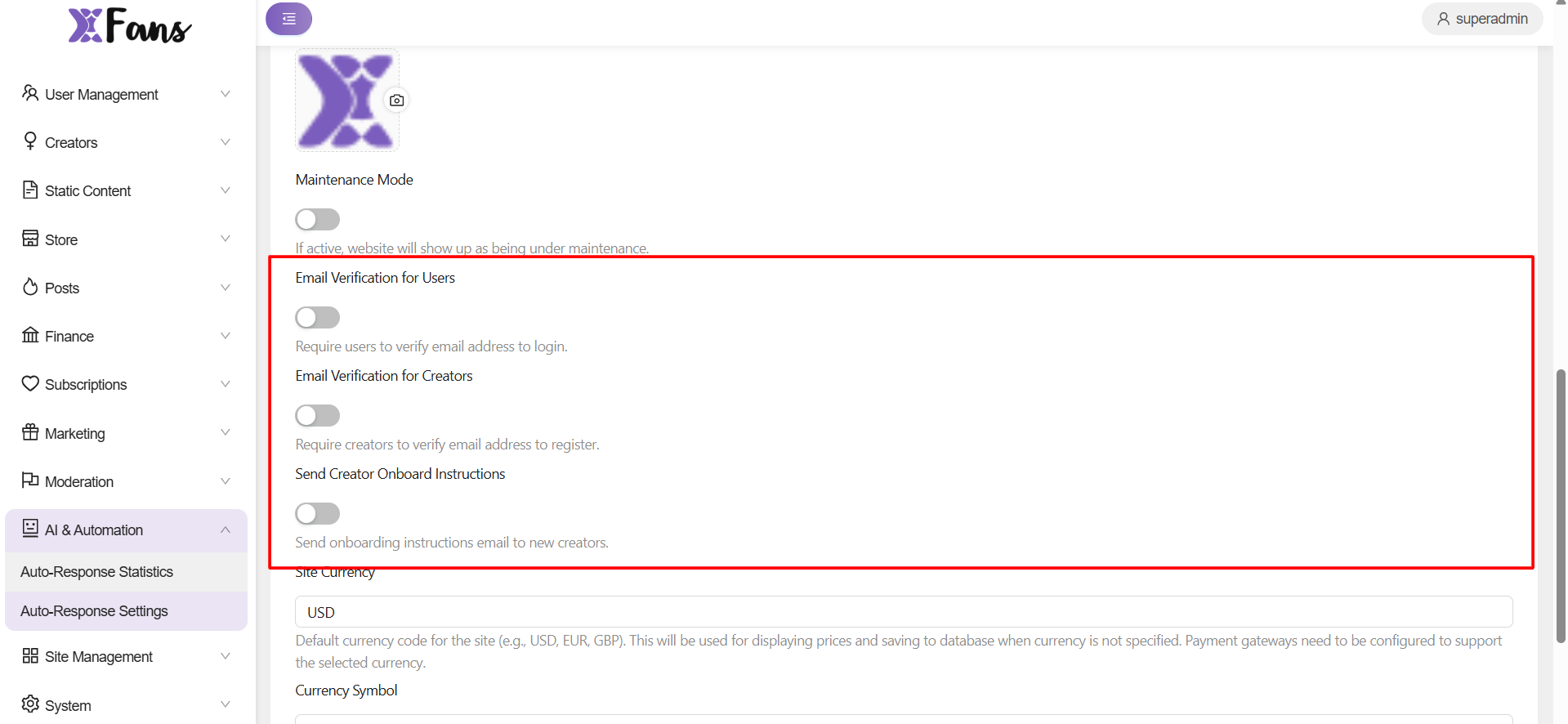
What are the other settings apart from maintence mode?
Apart from maintenance mode, we can toggle on/off for ,email verification for users, creators and for onboarding instructions
Can I change the sign-in/signup background image for the users?
You can set the login page’s background image from the admin panel. Go to Setting > Site settings > General > Placeholder img to do this.
Does the site come built-in with the 18+ disclaimer?
- Yes. 18+ and other static page content can be created and edited using the Posts option under the Admin panel.
- Go to Posts to edit or delete any existing content or create new using the New Post option found here –
- To set 18+ content with a new post, go to Settings > General > Popup 18+ content and then choose the concerned post from the dropdown.
Is it possible to disable the site’s cookie policy pop-up?
Yes, you can do this from Settings > General > Enable cookie policy. Also, you can define the content of this page using the Posts option and then linking the same in the Popup cookie policy content option highlighted in the screenshot.
How to change the site’s footer content?
Under Settings > General, scroll down to find the Footer content settings.
Is it possible to modify the content seen on the model and user signup pages?
They sure can be modified. Just go to Settings > General > User Benefit or Model Benefit to edit the same.
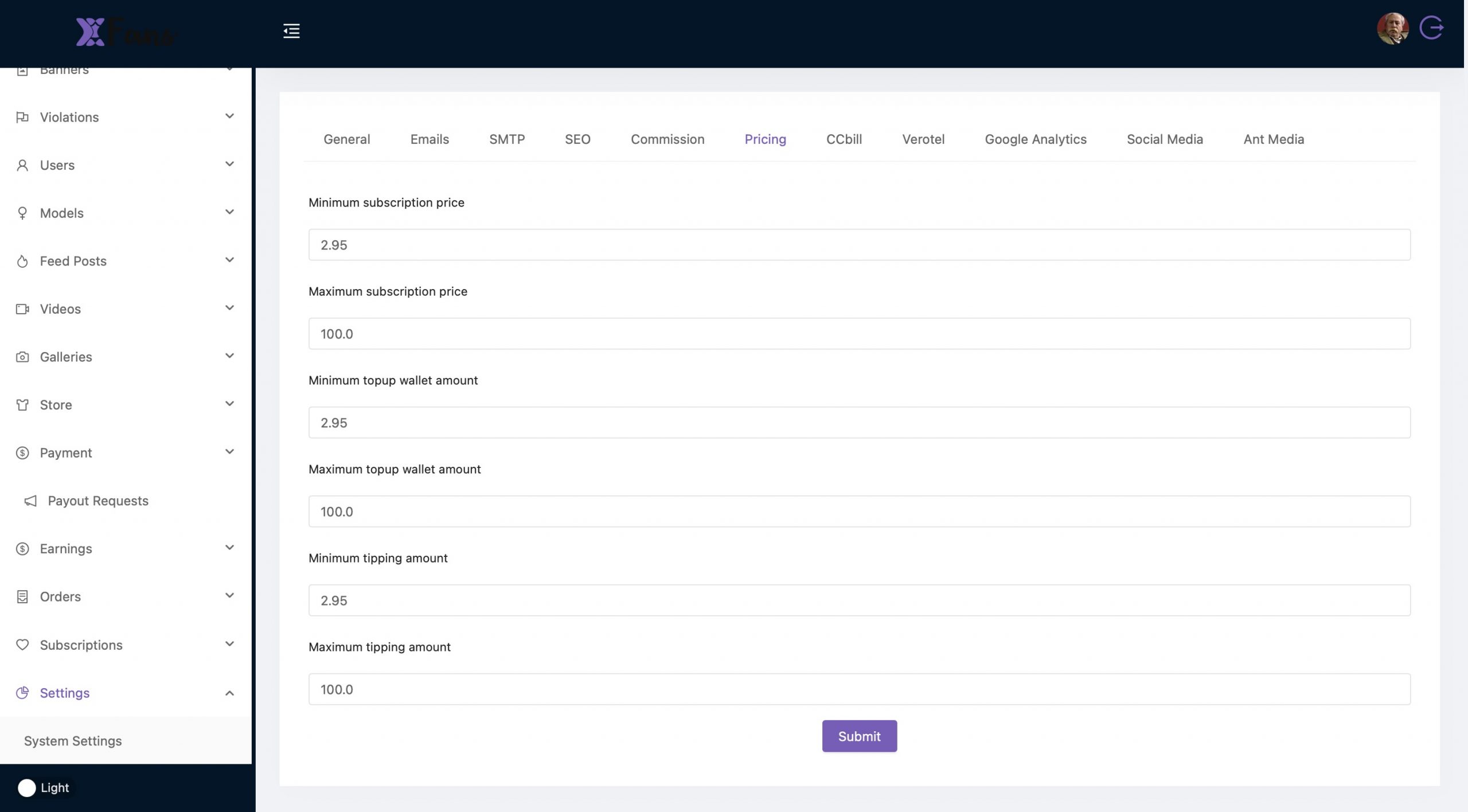
How can I set minimum and maximum pricing for my website ?
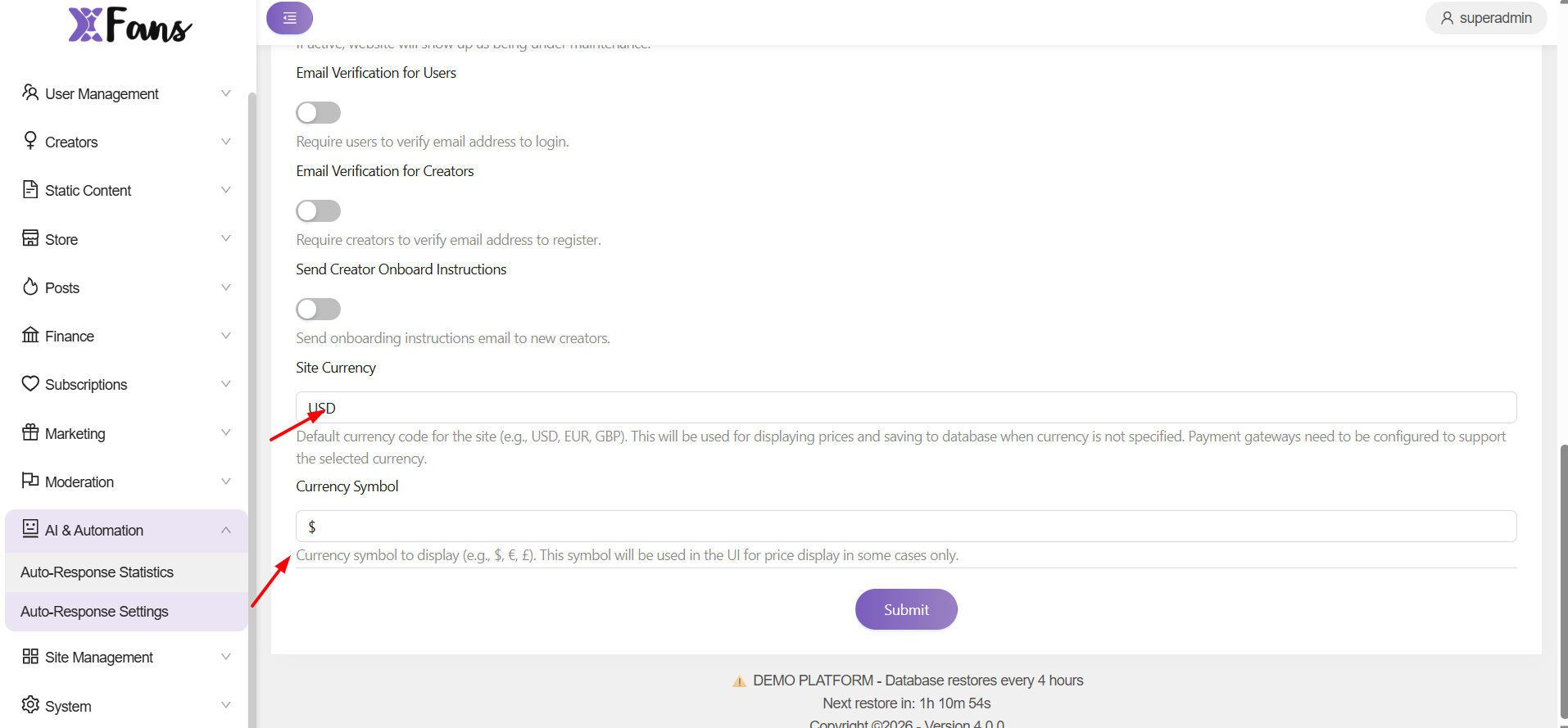
can we set the currency and symbol?
yes ,the settings can be made from here,