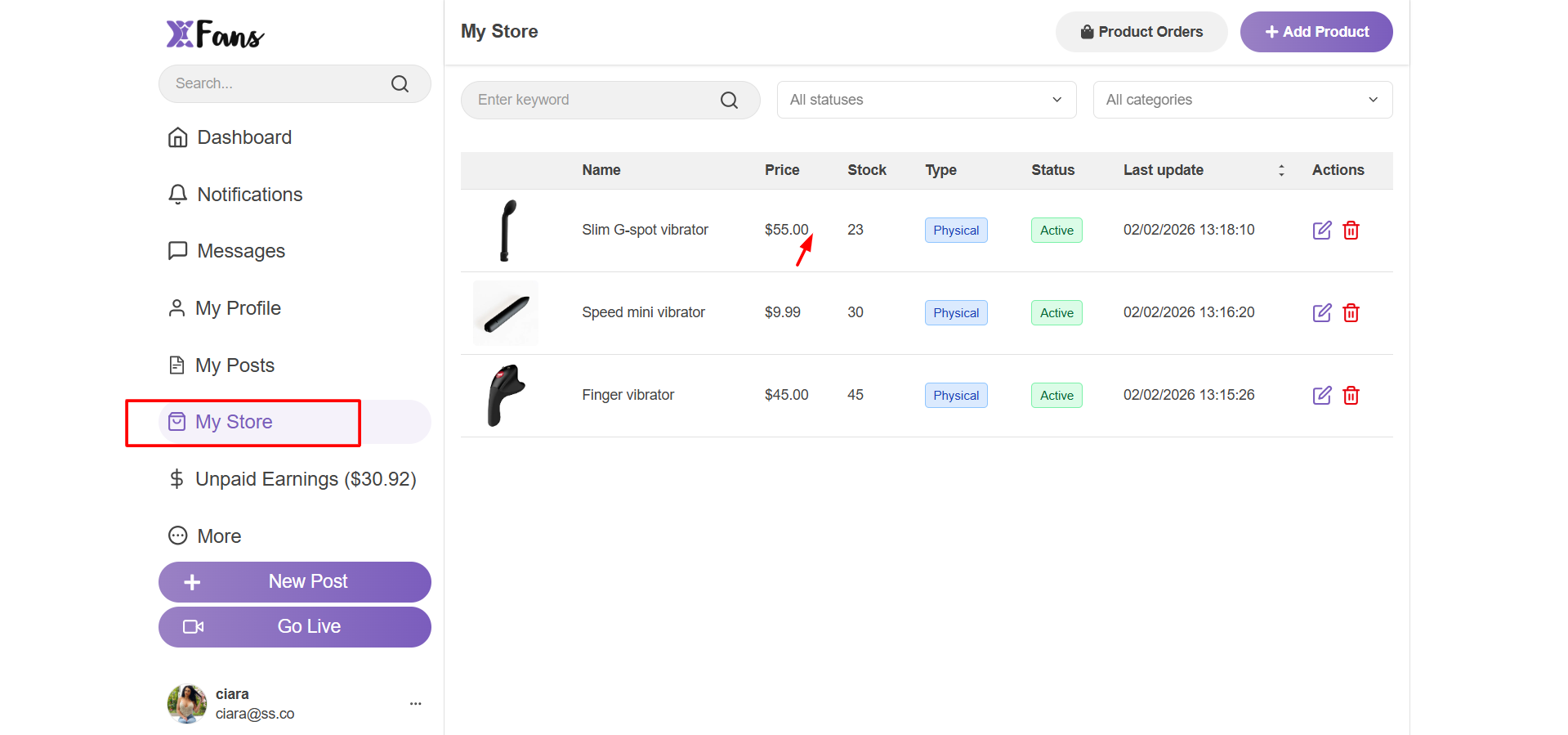
The orders page can be accessed by clicking on the My Store -> Order option available after clicking the profile icon on the top-right of the page.
Here, all incoming orders can be found listed. Physical orders can be identified using the Type column. You can also filter the concerned orders using the Delivery status and other filters available at the top.
Order fulfillment will have to be taken care of offline. You can update the Shipping code as well as Status on the below page so users can view updated on their end too.